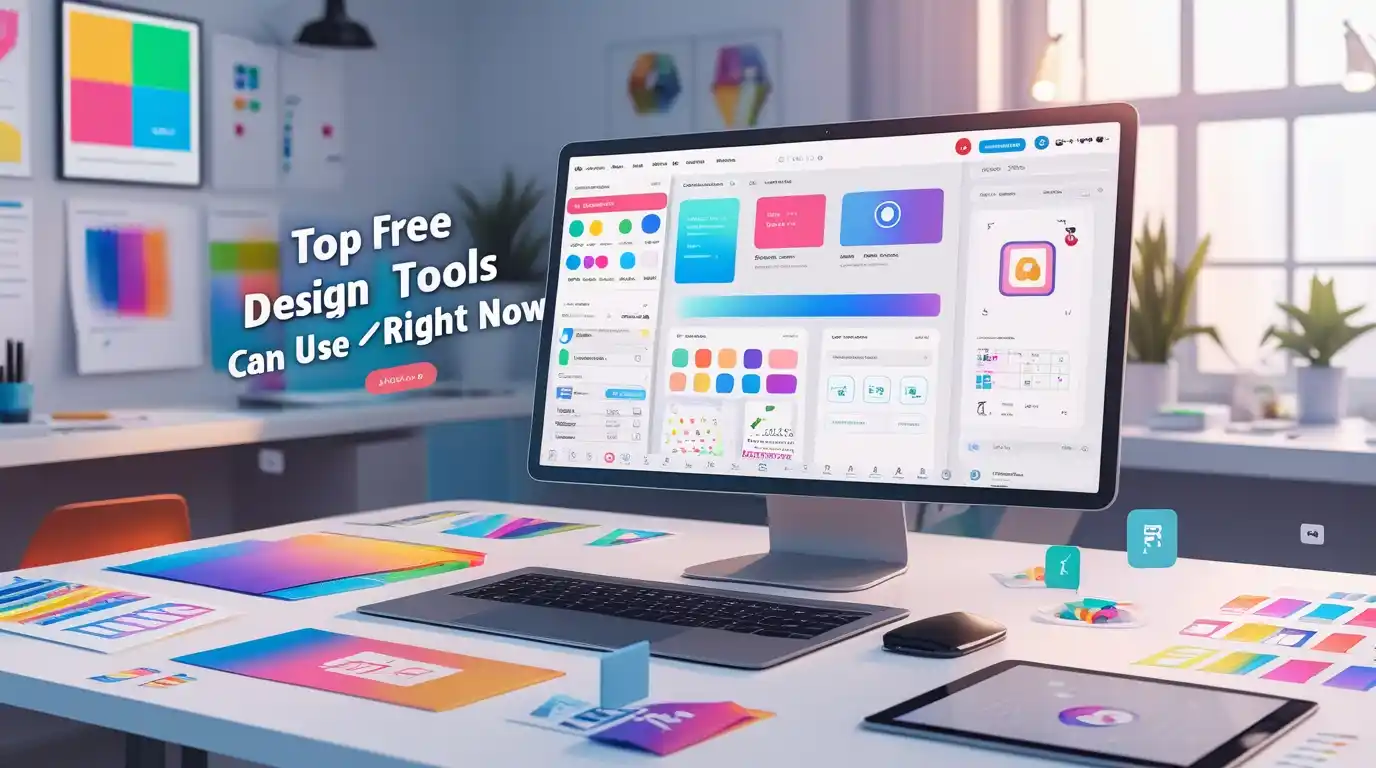
If you've ever felt stuck paying hefty subscription fees for design software, you're not alone. The good news? Professional-quality design tools are now available for free, and they're powerful enough to create stunning graphics for your business, social media, or personal projects. Whether you're a complete beginner or an experienced designer looking for budget-friendly alternatives, this guide covers the best free design tools you can start using today—no credit card required.
What Are Free Design Tools?
Free design tools are graphic design platforms and creative software that allow you to create professional visuals without spending money on expensive subscriptions. These digital design solutions range from browser-based design applications to downloadable software, offering features like template libraries, photo editing capabilities, and vector design tools.
The beauty of modern free design software lies in their accessibility. You don't need years of experience or technical expertise to create eye-catching graphics. Most platforms now offer intuitive interfaces with drag and drop design features, making visual content creation simple for everyone.
Why Choose Free Design Tools Over Paid Options?
Cost-Effectiveness Without Compromise
Let's be honest—Adobe Creative Cloud subscriptions can cost over $50 per month. For small businesses, freelancers, or students in Pakistan and other developing countries, this expense isn't always feasible. Free design tools eliminate this financial barrier while still delivering professional results.
No Download Required Options
Many free online design tools work directly in your browser. This means you can start designing immediately without consuming storage space on your device. Cloud-based design tools also let you access your projects from anywhere—perfect for remote work environments.
Perfect for Learning and Experimentation
When you're just starting out with graphic design, investing in expensive software doesn't make sense. Free design apps give you the playground to learn, make mistakes, and develop your skills without financial pressure.
Commercial Use Licensing
Surprisingly, many free design tools allow commercial use, meaning you can create client work, business materials, and monetizable content legally and ethically.
Top Free Design Tools You Should Try Today
1. Canva Free Version – Best for Beginners
Canva has revolutionized how non-designers approach graphic design. With over 250,000 templates spanning social media graphics, presentations, posters, and more, it's arguably the most beginner-friendly design platform available.
Key Features:
Best For: Social media managers, small business owners, content creators, and students creating presentations or school projects.
Limitations: Some premium templates and stock images require upgrading to Canva Pro. However, the free version offers more than enough resources for most users.
2. Figma Community Edition – Best for UI/UX Design
Figma has become the industry standard for web design and interface design. The free community edition gives you full access to professional-grade UI design tools that rival expensive alternatives.
Key Features:
Best For: Web designers, app developers, and anyone creating website mockups or digital products.
Why It Matters: Companies worldwide use Figma, so learning it opens career opportunities in tech and design agencies.
3. GIMP – Best Photoshop Alternative Free
GIMP (GNU Image Manipulation Program) is the go-to free alternative to Adobe Photoshop. This desktop software delivers powerful photo manipulation capabilities without the subscription cost.
Key Features:
Best For: Photo editors, digital artists, and anyone needing advanced image manipulation features.
Learning Curve: GIMP has a steeper learning curve than web-based tools, but countless free tutorials on YouTube make learning manageable.
4. Adobe Express (Formerly Adobe Spark) – Best for Quick Graphics
Adobe offers Adobe Express as a freemium option for users needing quick, professional-looking designs without the complexity of full Adobe Creative Cloud.
Key Features:
Best For: Businesses needing consistent branding across marketing materials, especially for Instagram story templates and YouTube thumbnail creation.
5. Inkscape – Best for Vector Design
Inkscape is an open-source vector graphics editor, making it the perfect free equivalent to Adobe Illustrator. If you need to create logos, icons, or illustrations that scale infinitely without losing quality, Inkscape is your tool.
Key Features:
Best For: Logo designers, illustrators, and anyone creating print-ready materials requiring vector formats.
6. Photopea – Best Browser-Based Photo Editor
Photopea is remarkable because it replicates Photoshop's interface almost entirely but runs in your browser completely free. No download, no installation—just open and edit.
Key Features:
Best For: Designers who need occasional advanced photo editing without installing software.
7. Pixlr – Best for Quick Photo Fixes
Pixlr offers both a simple editor (Pixlr X) and an advanced editor (Pixlr E), catering to different skill levels while keeping everything free and accessible.
Key Features:
Best For: Social media enthusiasts needing quick edits and content creators working across devices.
8. VistaCreate (Formerly Crello) – Best Animation Features
VistaCreate stands out by offering animated design templates in its free plan—something many competitors charge premium prices for.
Key Features:
Best For: Social media marketers creating animated posts and stories that grab attention.
Comparison: Free vs Paid Design Tools
What Free Tools Offer:
What Paid Tools Add:
For 80% of users, free tools provide everything needed. Upgrade only when your business scales or you consistently hit free plan limitations.
How to Choose the Right Free Design Tool
Consider Your Primary Use Case
Evaluate Your Technical Skills
If you're completely new to design, start with Canva or Adobe Express. Their user-friendly interfaces let you create professional results immediately. Once comfortable, explore more advanced tools like GIMP or Figma.
Check Platform Compatibility
Consider whether you need:
Most modern tools offer cross-platform compatibility, but desktop software like GIMP requires installation and works differently on Windows versus Mac.
Review Export Options
Ensure your chosen tool supports the file formats you need. For print work, you'll want high-resolution exports. For web graphics, PNG and JPG suffice. For professional workflows, look for PSD or SVG support.
Real-World Success Stories: Free Tools, Professional Results
Small Business Owner in Pakistan: Maria runs a boutique in Lahore and creates all her social media content using Canva's free version. She's built a consistent brand presence on Instagram without hiring a designer, saving approximately PKR 20,000 monthly.
Freelance Web Designer: Ahmed from Karachi learned Figma through free YouTube tutorials and now earns $500+ monthly designing websites for international clients—all using free software.
Student Entrepreneur: Fatima created her startup's complete branding—logo, business cards, social media templates—using Inkscape and Canva free versions while studying at university in Islamabad.
These examples prove that professional results don't require expensive tools—just creativity and willingness to learn.
Free Learning Resources to Master Design Tools
YouTube Channels Worth Following:
Free Online Courses:
Practice Makes Perfect
Join design challenge communities on platforms like Dribbble or Behance. Recreate designs you admire as practice projects. The design workspace becomes familiar through consistent use, not passive watching.
Why Choose Professional Training? Institute of Digital Trainings (IDT)
While free tools and self-learning take you far, structured education accelerates your journey. The Institute of Digital Trainings in Rawalpindi offers comprehensive Advance Graphic Designing Courses that go beyond tool training.
What Makes IDT Different:
Learning free tools independently is valuable, but understanding design principles, color theory, typography, and client communication creates actual career opportunities. IDT bridges that gap between hobbyist and professional designer.
Explore Advanced Graphic Designing Courses at Institute of Digital Trainings to transform your free tool skills into marketable professional expertise.
Career Opportunities After Mastering Free Design Tools
Job Roles You Can Pursue:
The demand for design skills continues growing across Pakistan and globally. Remote work opportunities mean Pakistani designers compete in international markets, often earning in dollars while living with Pakistani expenses—a significant advantage.
Future of Free Design Tools
Artificial intelligence is transforming design tools. Features like automatic background removal, intelligent layout suggestions, and AI-generated content are becoming standard even in free plans. Tools like Canva and Adobe Express already integrate AI features that make design faster and more accessible.
The trend suggests free tools will only improve, narrowing the gap with premium software. For users, this means better tools without increased costs—a genuine win for creative democratization.
Frequently Asked Questions
Can I use free design tools for commercial projects?
Yes, most free design tools allow commercial use, but always check specific licensing terms. Canva, Figma, GIMP, and Inkscape explicitly permit commercial projects in their free versions. Be cautious with stock elements—some may have restrictions even if the tool itself is free for commercial work.
Do free design tools have watermarks?
Most reputable free design tools don't add watermarks. Canva, Figma, GIMP, Inkscape, and Photopea all export clean files without branding. If a "free" tool adds watermarks, it's likely trying to push you toward a paid plan—consider alternatives instead.
Which free design tool is best for beginners?
Canva wins for absolute beginners due to its intuitive interface and massive template library. You can create professional-looking designs within minutes without any prior experience. Adobe Express runs a close second, offering similar ease of use with Adobe's design quality.
Are free alternatives to Adobe Photoshop as good as the original?
For 90% of users, yes. GIMP and Photopea offer comparable functionality for photo editing, retouching, and manipulation. Professional photographers and advanced retouchers might miss some Adobe-specific features, but for graphic designers, small business owners, and hobbyists, free alternatives provide everything needed.
Can I download free design tools for offline use?
Desktop applications like GIMP, Inkscape, and downloadable versions of some tools work offline. Browser-based tools (Canva, Figma, Photopea) typically require internet connection, though some offer limited offline functionality. If you need consistent offline access, prioritize desktop software.
What file formats do free design tools support?
Most free design tools support common formats: JPEG, PNG, PDF, and SVG. Advanced tools like GIMP and Photopea also handle PSD (Photoshop), while Figma and Inkscape excel with vector formats. Check specific export options based on your needs—print work requires different formats than web graphics.
Conclusion: Start Designing Today
The barrier to entry in graphic design has never been lower. Free design tools democratize creativity, allowing anyone with internet access to produce professional-quality visuals. Whether you're a small business owner in Islamabad needing social media graphics, a student in Karachi building a portfolio, or an aspiring designer in Rawalpindi exploring career options, these tools give you everything needed to start.
Begin with one tool—Canva for general graphics or Figma for web design—and spend a week exploring its features. Watch a few tutorials, recreate designs you admire, and experiment freely. The investment is only your time, and the potential returns—creative freedom, career opportunities, cost savings—are substantial.
Ready to take your design skills to the next level? Book a seat at the Advanced Graphic Designing Course offered by IDT and transform your free tool proficiency into professional expertise. The combination of self-taught tool skills and structured design education creates the fastest path to a successful design career.
Your creative journey starts now—choose a tool and create something today.
Looking for more guidance on graphic design careers in Pakistan? Explore our comprehensive resources at the Institute of Digital Trainings and discover how structured learning accelerates your path from beginner to professional designer.